

WireShark实际应用-过滤规则篇
使用WireShark抓包时会产生大量的数据包,所以在实际使用时需要利用过滤规则筛选出自己需要的信息
按IP地址过滤
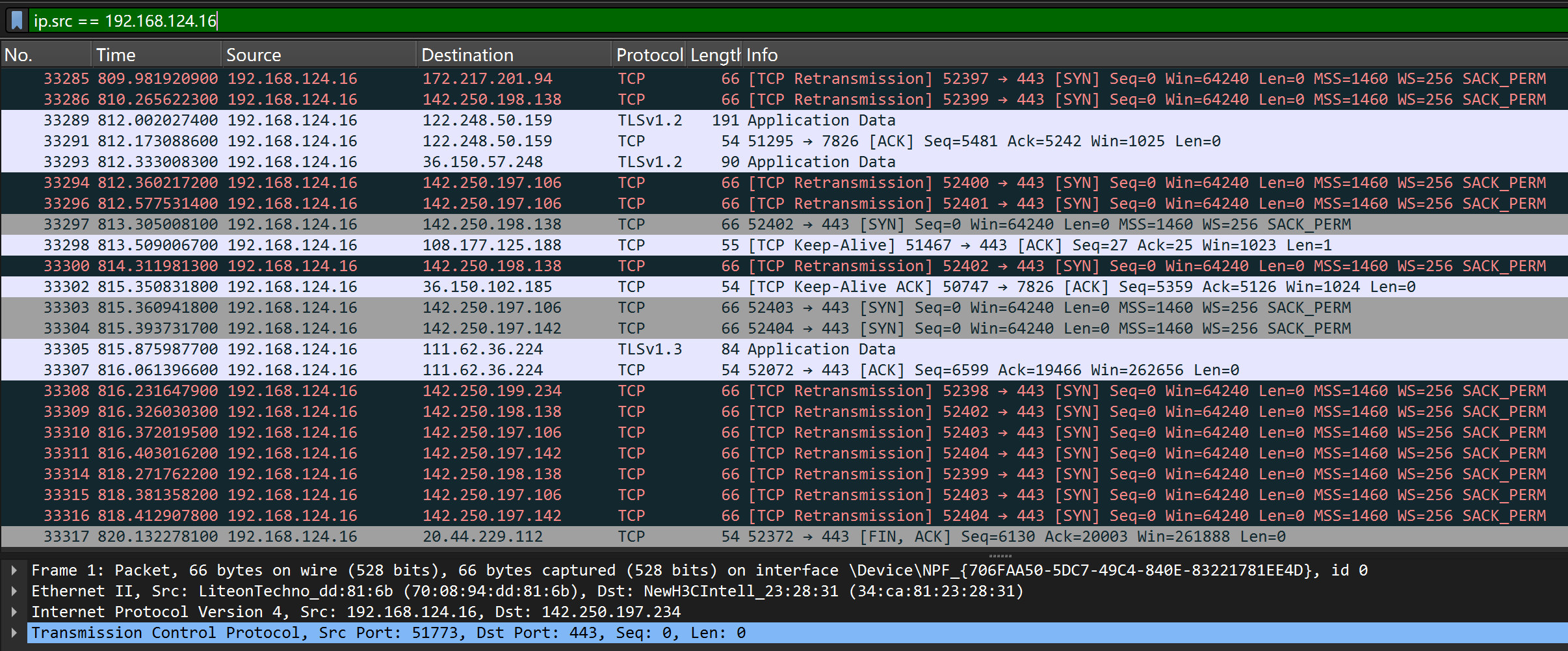
1、过滤源ip为xx的包 —— ip.src == 192.168.124.16
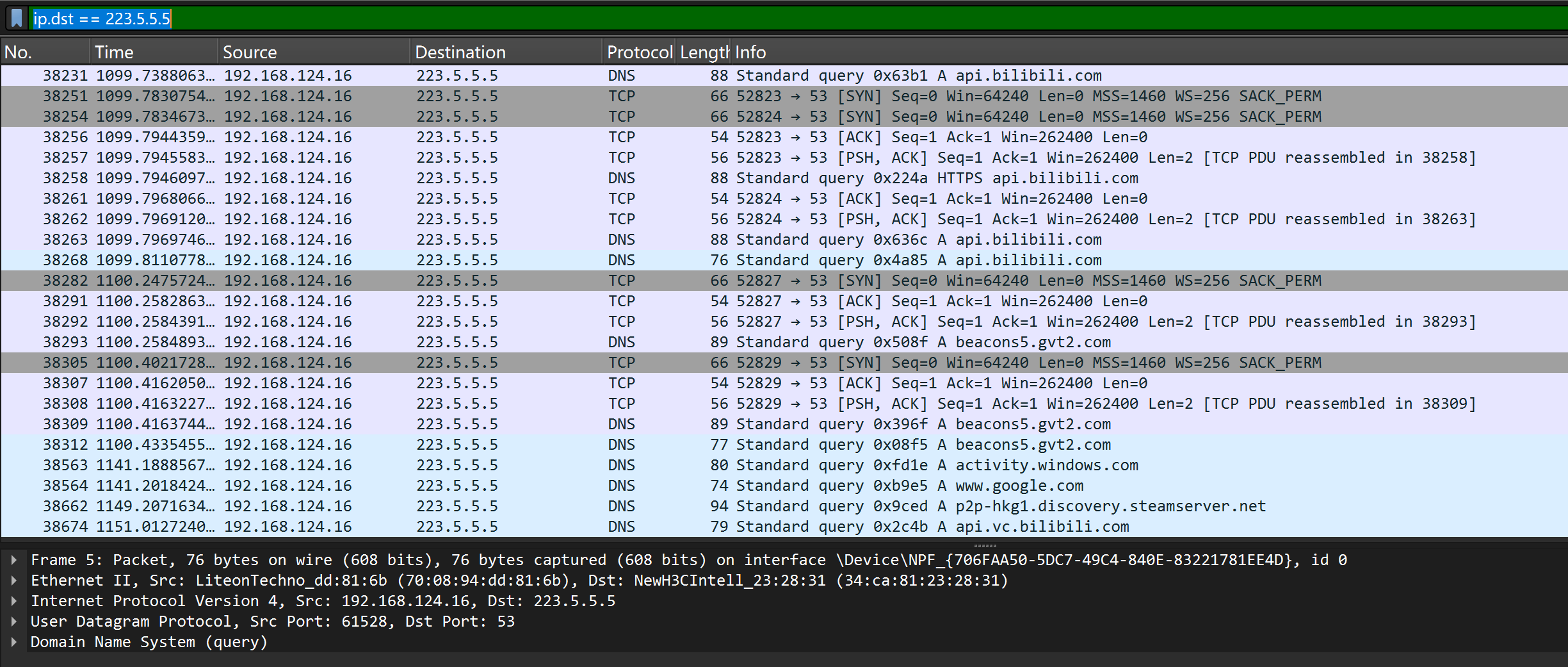
2、过滤目标IP为xx的包 —— ip.dst == 223.5.5.5
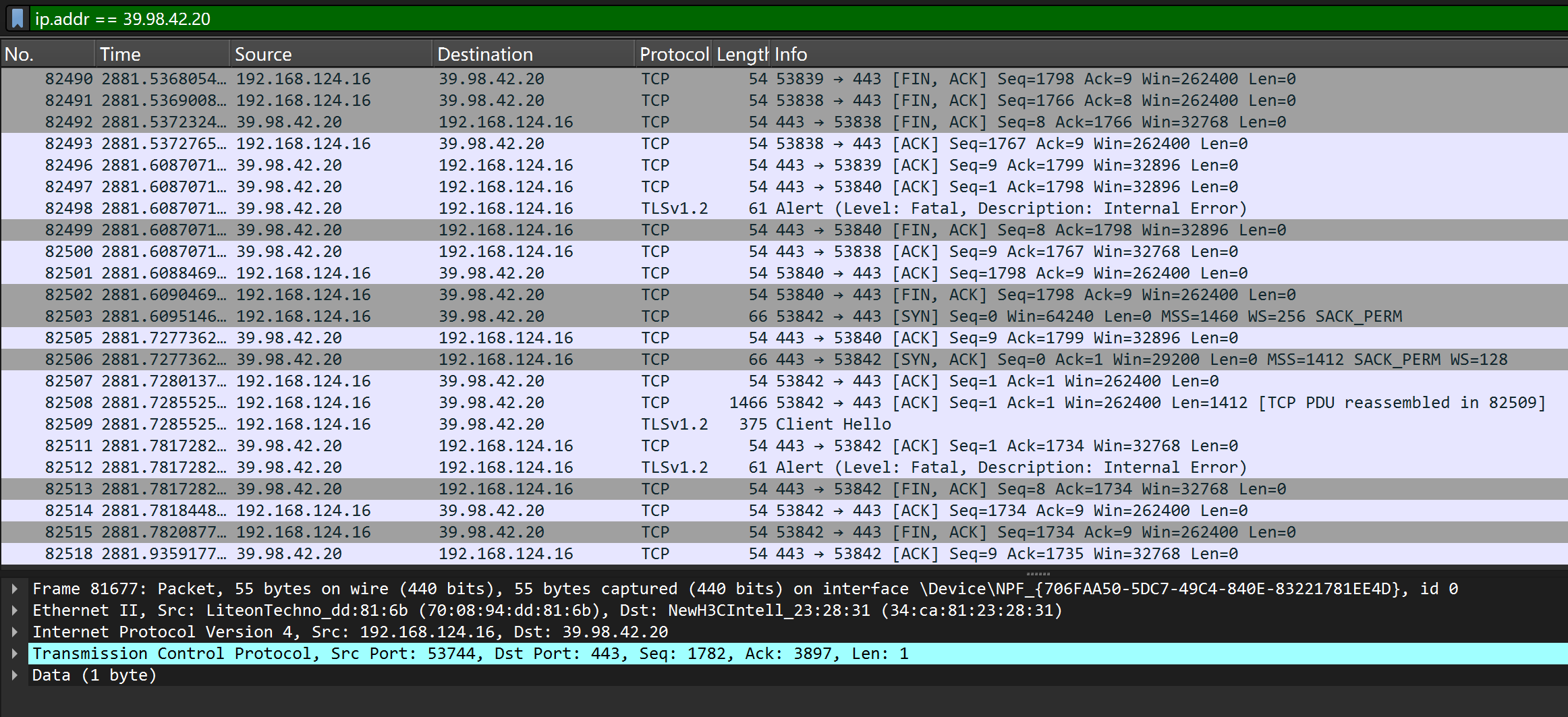
3、过滤源或目标为xx的包 —— ip.addr == 192.168.124.16
按MAC地址过滤
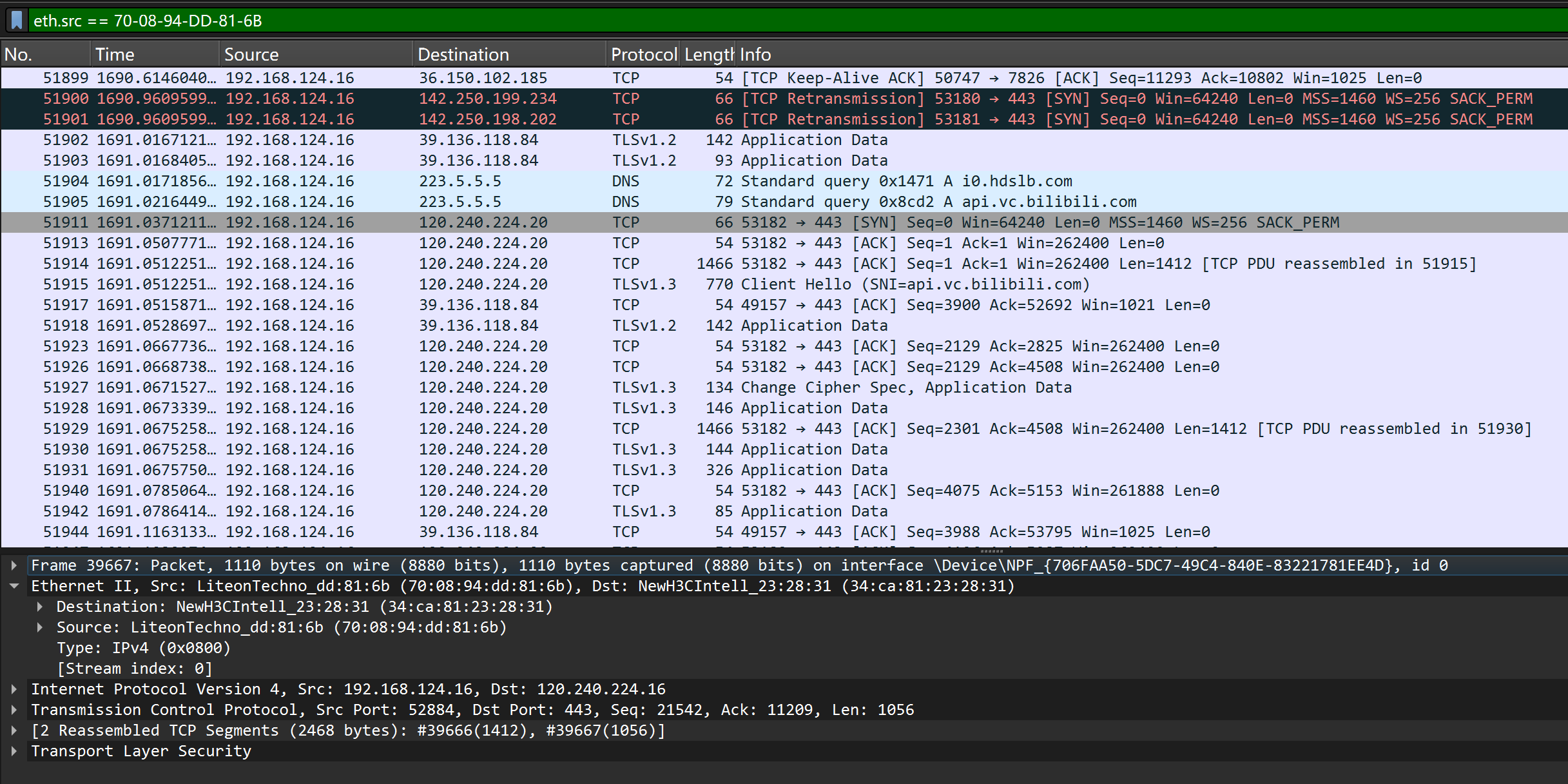
1、过滤源MAC为xx的包 —— eth.src == 70-08-94-DD-81-6B
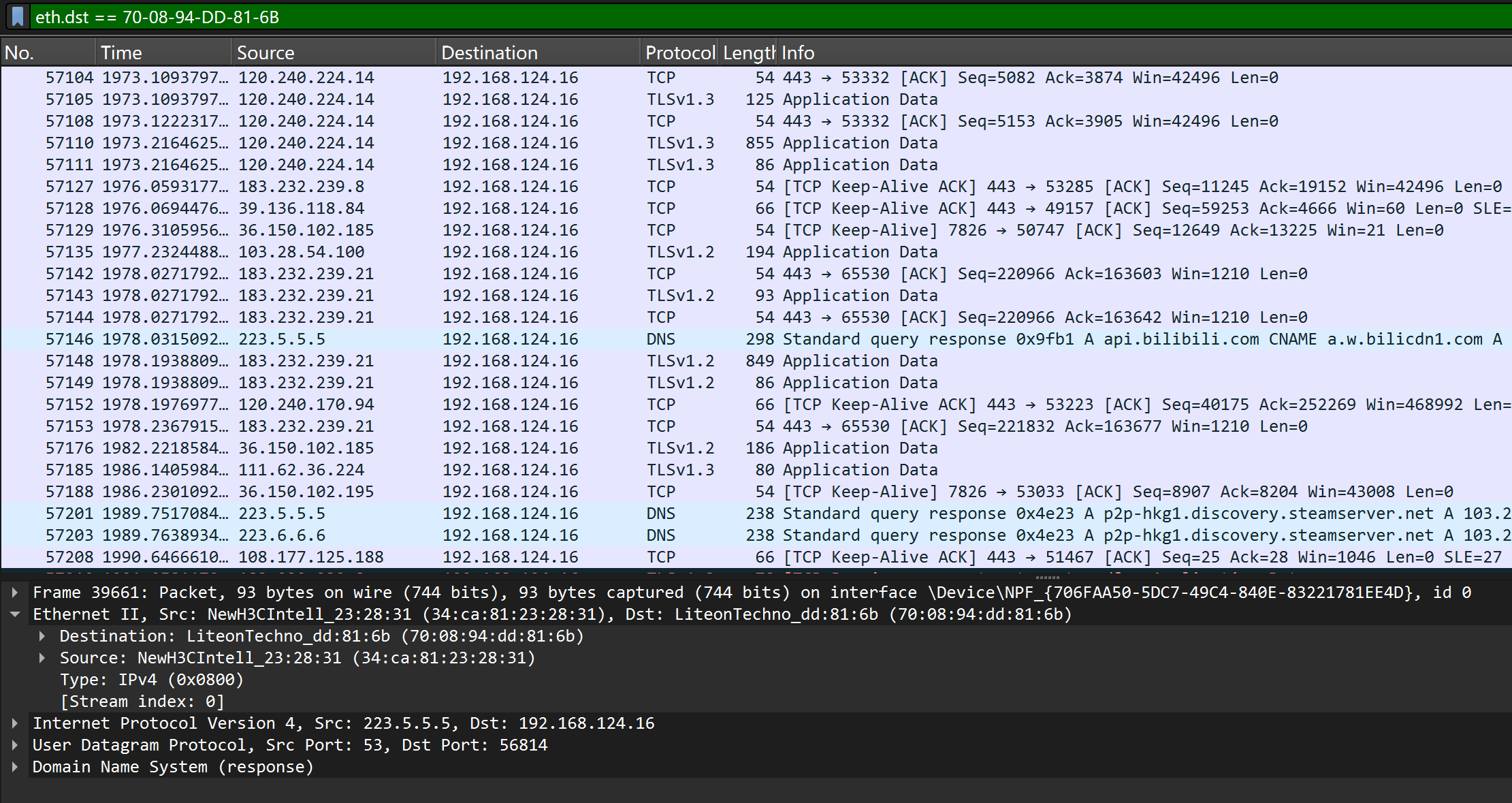
2、过滤以目标MAC为xx的包 —— eth.dst == 70-08-94-DD-81-6B
3、过滤以源或目标MAC为xx的包 —— eth.addr == 70-08-94-DD-81-6B
按端口号过滤
与网站建立连接并获取IP地址后,可获取客户端端口与服务器端口
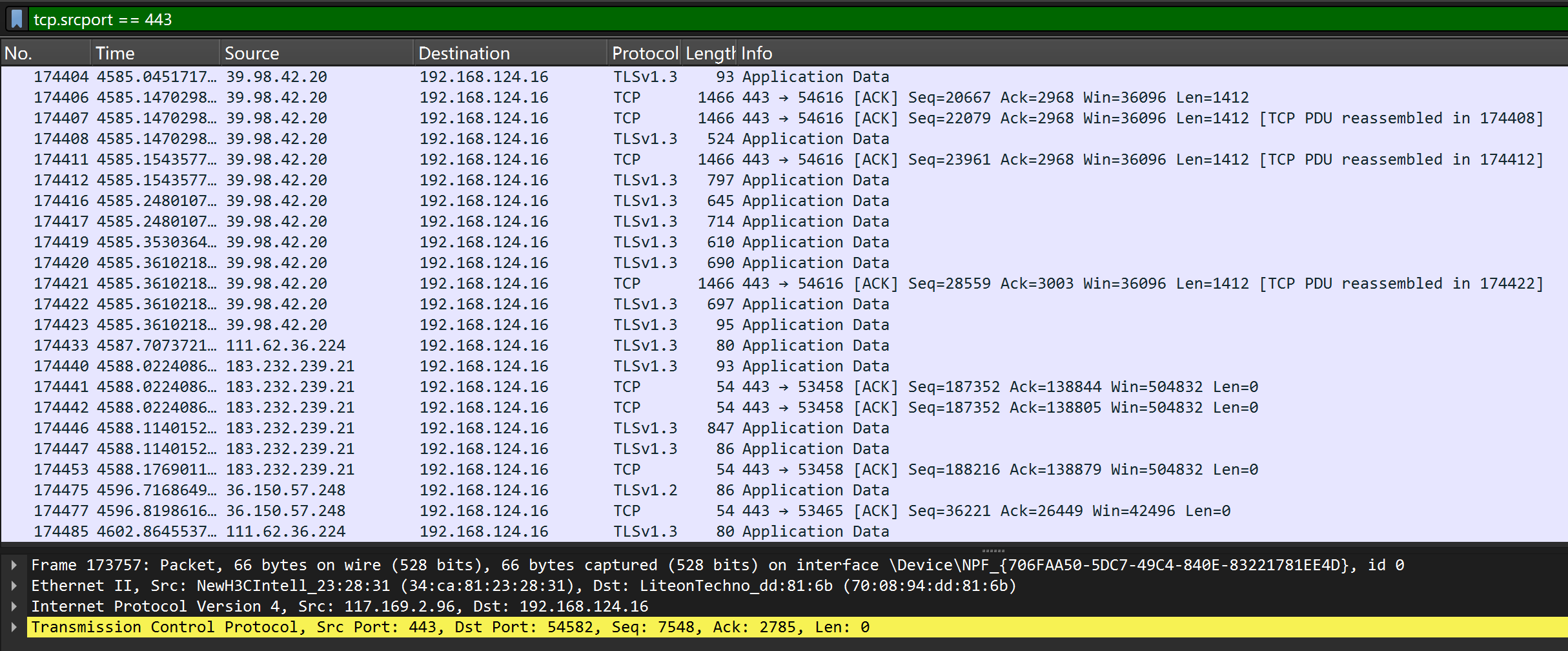
1、过滤以源tcp端口号为xx的包 —— tcp.srcport == 443
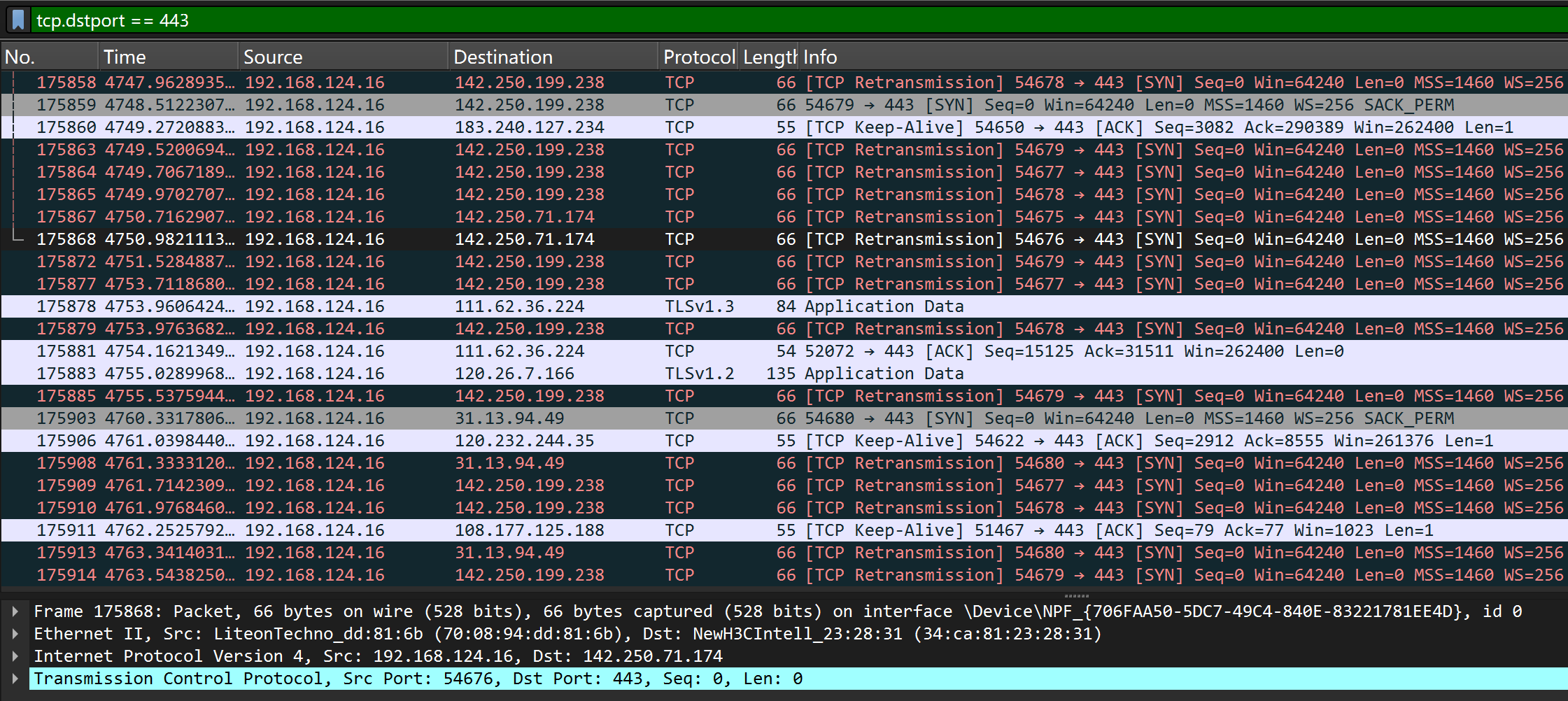
2、过滤以目标tcp端口号为xx的包 —— tcp.dstport == 443
3、过滤以tcp端口号为xx的包 —— tcp.port == 443
4、过滤以源udp端口号为xx的包 —— udp.srcport == 53
5、过滤以目标udp端口号为xx的包 —— udp.dstport == 53
6、过滤以udp端口号为xx的包 —— udp.port == 53
按协议类型过滤
输入arp、dhcp、icmp等过滤筛选
过滤规则组合
1、and —— 过滤dhcp包且仅过滤某台电脑的dhcp包
dhcp and eth.addr == 70-08-94-DD-81-6B
2、or —— 过滤dhcp包或arp包
dhcp or arp
3、! —— 排除某种类型的包
! arp